
TETRIX® MAX Dual-Control Robotics Set
Regular price
$949.00
Regular price
$0.00
Sale price
$949.00
Unit price
per
Clearance
Clearance

Clearance

Clearance
Clearance

Clearance



Grades 9-12
TETRIX MAX Dual-Control Robotics Set—From Remote Operation to Autonomous Code in One Platform
Regular price
$949.00
Regular price
$0.00
Sale price
$949.00
Unit price
per
Shipping calculated at checkout.
⚠️ Clearance Item - Final Sale
All clearance sales are final. No returns, refunds, or exchanges.
SKU: SKU:43054
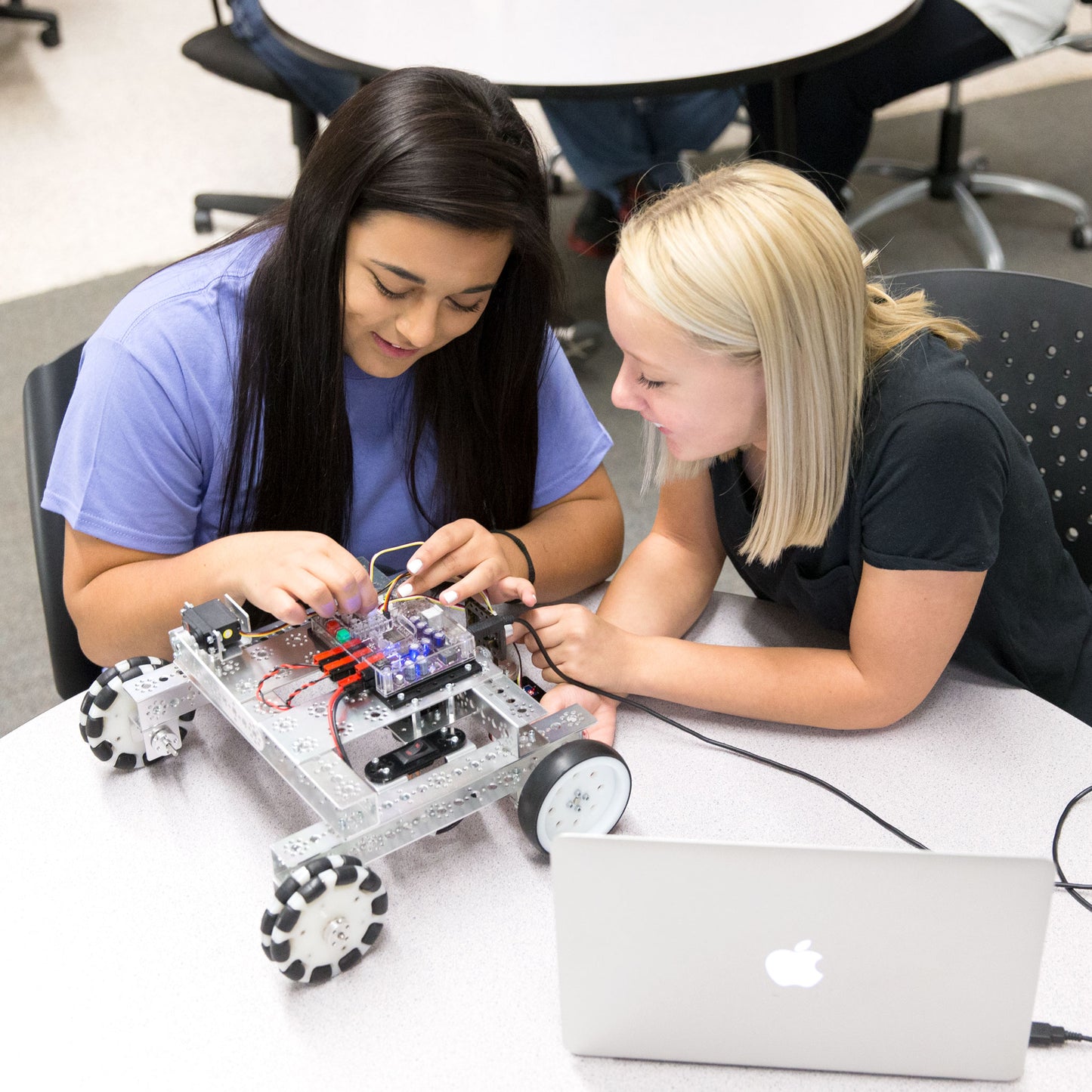
One set. Two career pathways. Students build with 670+ aircraft-grade aluminum components, then choose how they control what they've built — drive with a wireless gamepad to learn remote operations, or write C/C++ code on the PRIZM Pro controller for autonomous sensor-guided navigation. The same engineering disciplines behind autonomous vehicles, industrial automation, and manufacturing robotics start right here, with 19–31 hours of structured instruction for 2–4 students. The included TETRIX Virtual Robotics curriculum also works with Spark the AI Assistant, an optional add-on that helps students work through code problems without handing them the answer.
Low stock
Couldn't load pickup availability
Students Served: 2-4 students


WHAT'S INCLUDED
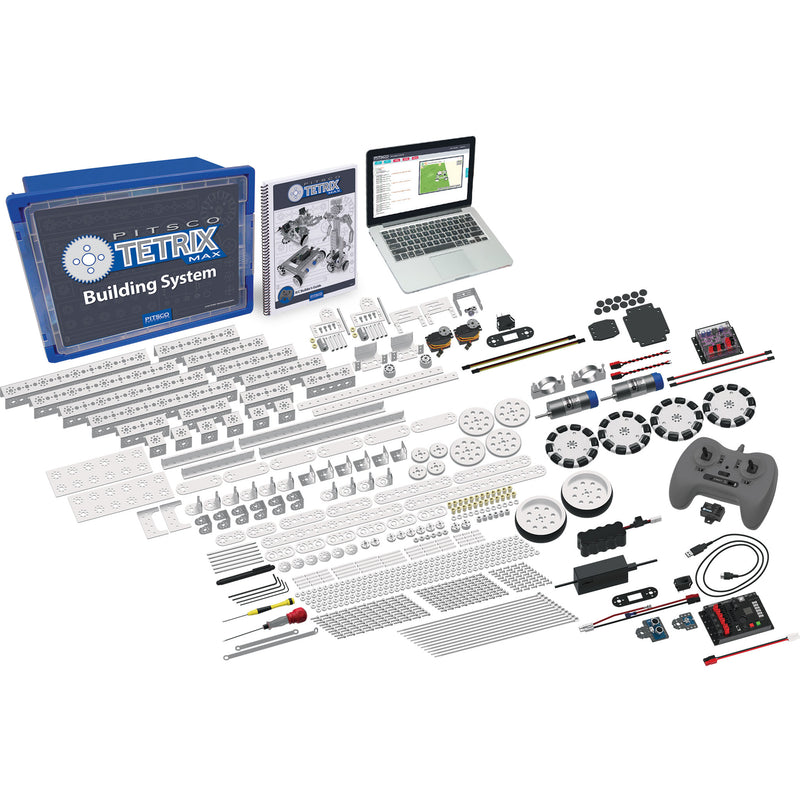
- Access to TETRIX Virtual Robotics via The Pitsco Learning Portal
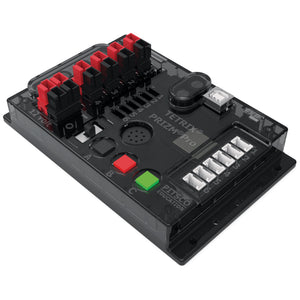
- PRIZM Pro controller with USB cable
- Grove Line Finder and Ultrasonic Sensors
- Gamepad-style, four-channel wireless controller*
- R/C motor controller and mounting kit
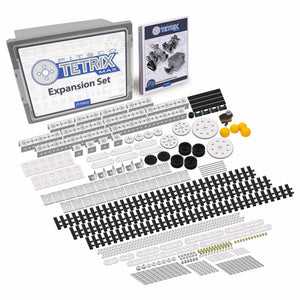
- 670+ building elements
- Structural, motion, and hardware elements including a variety of wheels, gears, channels, flats, and connectors
- Two TorqueNADO motors, motor cables, and two 180-degree standard-scale servo motors
- Rechargeable battery pack and charger
- Battery switch and assembly tools
- Sturdy storage bin, lid, and sorting tray
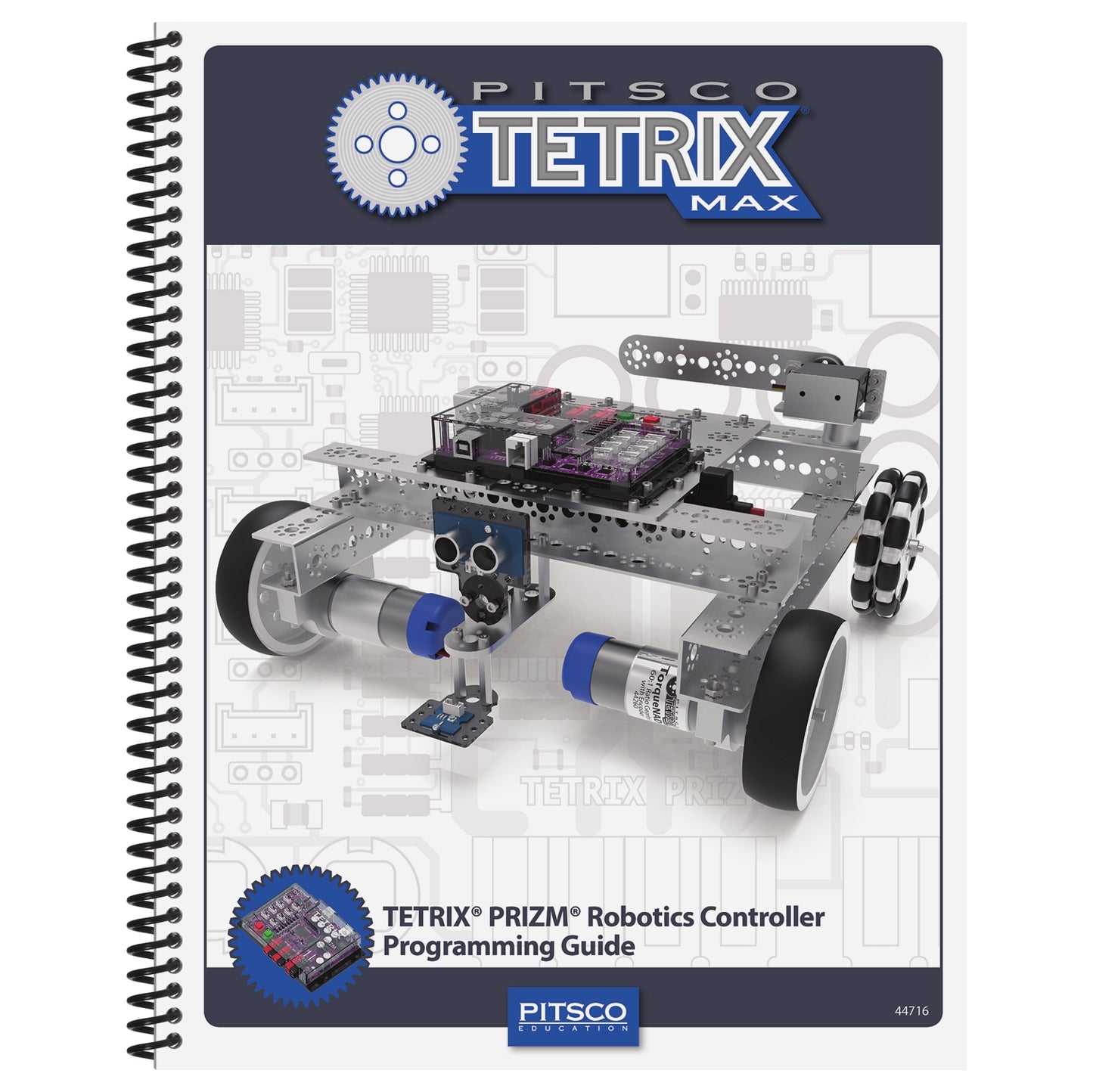
- Printed builder’s guide and digital guide to programming the PRIZM Pro controller using the Arduino Software (IDE), which is compatible with Windows, Mac OS X 10.7 or newer, and Linux devices that contain a USB port
*Please note the color of the wireless controller might vary.
SPECIFICATIONS & SAFETY
- Students Served: 4
- Curriculum Hours: 19-31
- Number of Pieces: 690+
- Compatibility: Compatible with Spark the AI Assistant (sold separately)
View Safety Data Sheets (SDS)
BUY MORE, SAVE MORE
| Quantity | Price Each |
|---|---|
| 6+ | $929.00 |
| 12+ | $919.00 |




Frequently Bought Together
1
+
2
+
3

The Only Set That Does Both
Switch between wireless gamepad driving and PRIZM Pro-based autonomous coding without changing hardware. Grove sensors, TorqueNADO motors, and 670+ aluminum components give your students the complete robotics experience in a single set.
Remote Operation Fundamentals
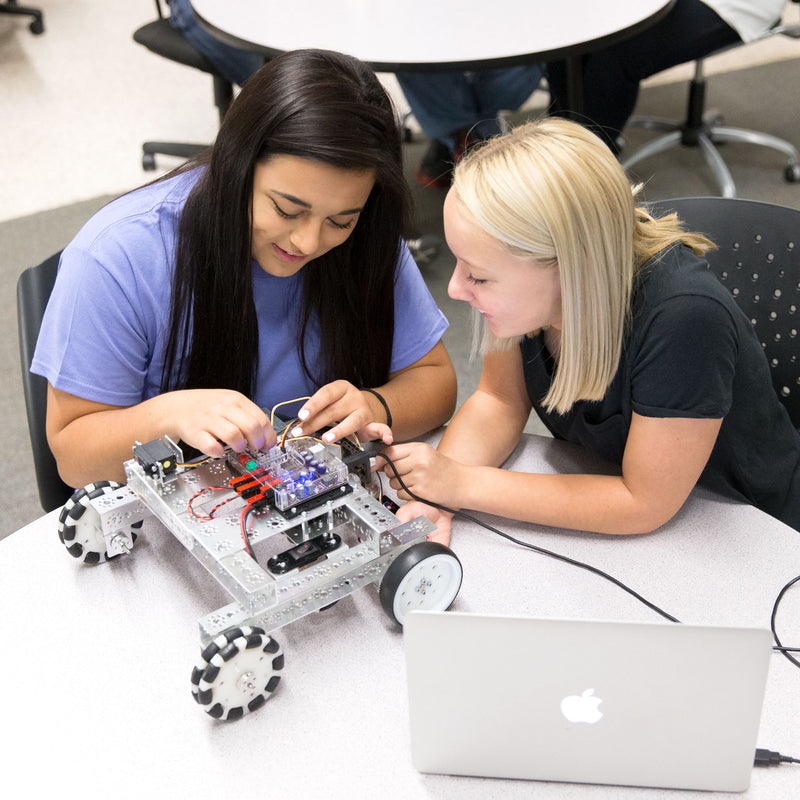
Students drive their builds with a wireless gamepad, developing intuition for motor control, gear ratios, and mechanical feedback. Immediate response keeps the learning loop tight — build, drive, adjust, repeat.

Autonomous Programming
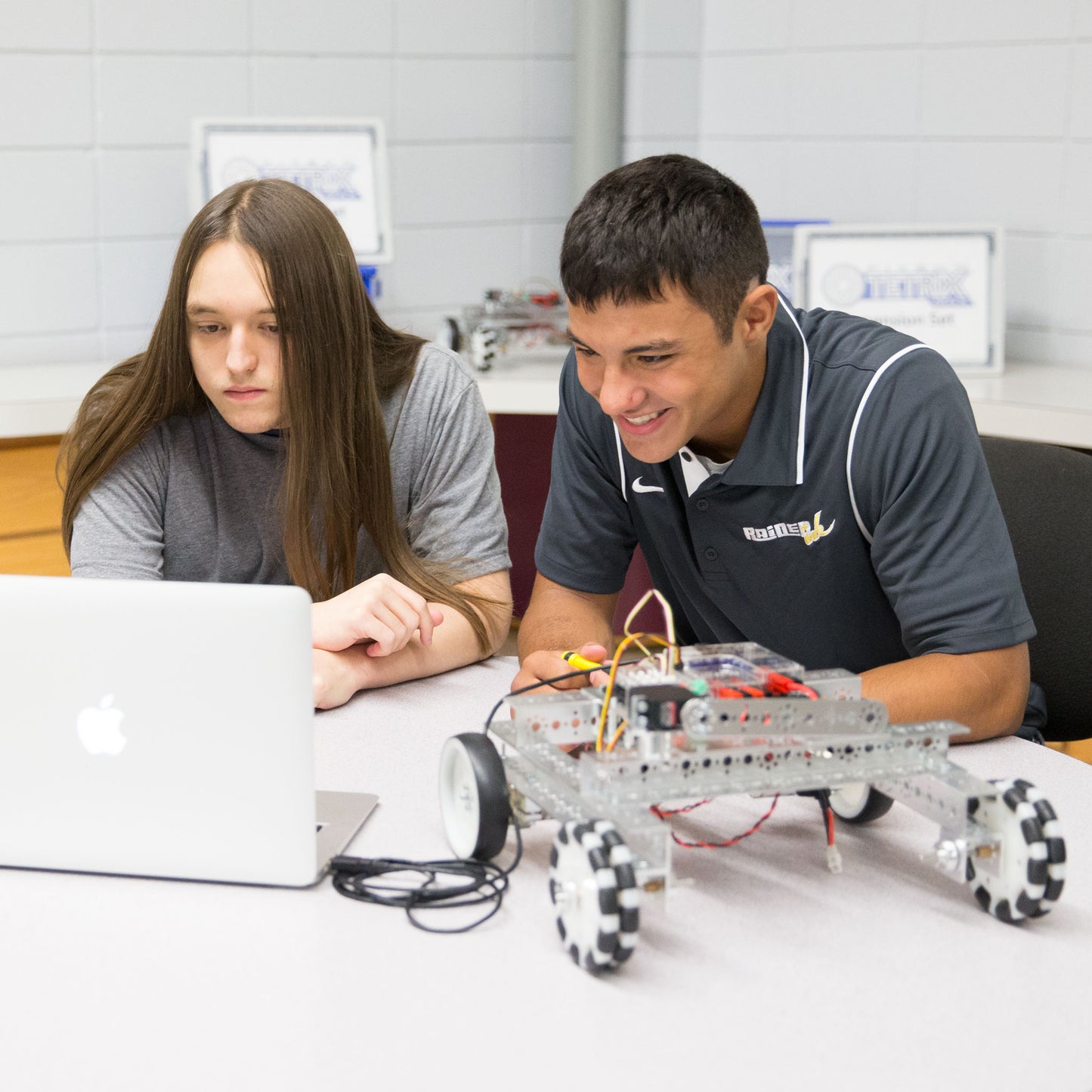
When students are ready, they move to the PRIZM Pro controller and write real C/C++ code. Using the Grove line finder and ultrasonic sensor, they program autonomous behaviors like line following and obstacle avoidance — the same logic behind warehouse robots and self-driving systems.

Three Guided Robot Builds
The builder's guide walks students through the RangerMAX Bot, MiniMAX Bot, and RotoGrip Bot. Each build introduces different mechanical concepts — differential drive, compact chassis design, and articulated gripper systems — with both driving and coding activities.

Virtual Robotics Included
Students practice programming in a simulated environment before touching physical hardware. Debug code, test sensor logic, and iterate designs without risking components — then transfer their programs to the real robot.
What Students Will Do
Teams of two to four get the full spectrum of robotics experience—mechanical design, remote-controlled driving, and autonomous programming—all from a single set.
- Design and assemble robots from aircraft-grade aluminum structural components
- Drive robot builds using a wireless gamepad to test mechanical systems
- Write C/C++ code for autonomous sensor-guided navigation
- Calibrate line finder and ultrasonic sensors for real-world conditions
- Calculate gear ratios and torque requirements for different drive configurations
- Debug code and iterate designs through the full engineering process
Compare Similar Products
| Feature |
Current Product
TETRIX® MAX Dual-Control Robotics Set
| TETRIX® MAX Programmable Robotics Set | TETRIX® MAX R/C Robotics Set |
|---|---|---|---|
| Price | $949.00 | $779.00 | $679.00 |
| Remote Control | — | ||
| Programmable (PRIZM Pro) | — | ||
| Sensors Included | — | ||
| Virtual Robotics Licenses | 4 included | 4 included | — |
| Building Elements | 670+ | 670+ | 670+ |
| Control Modes | R/C + Autonomous | Autonomous only | R/C only |
| AI Assistant Add-On | Spark the AI Assistant | Spark the AI Assistant | — |
| Best For | R/C + programmable combined | Autonomous coding and sensors | Building and driving fundamentals |
| View Details | View Details |
Support Materials
Videos, guides, and resources to help you get the most out of this product.
Videos
RoboBench RangerMAX Bot Build
RoboBench TETRIX MAX RangerMAX Bot Activity
PRIZM Programming Guide: A Look at the Guide
RoboBench: PRIZM Programming Guide: Downloading and Installing the Software
PRIZM Programming Guide: Hello World
TETRIX MAX Ranger Build
TETRIX MAX Ranger Activity
TETRIX MAX Ranger Real-World Connection
Why Teachers Love the TETRIX MAX Dual-Control Robotics Set

Career-Connected Engineering
The dual-control progression maps directly to careers in embedded systems, autonomous vehicles, industrial automation, and manufacturing robotics.
Real Code, Not Drag-and-Drop
Students write actual C/C++ in The Pitsco Learning Portal — the same language and environment used by professional engineers and hobbyists worldwide.

Two Entry Points, One Investment
Start with R/C driving for students who need a physical on-ramp to engineering. Advance to autonomous coding when they're ready. Both skill sets, one set.

Professional-Grade Materials
Aircraft-grade aluminum and TorqueNADO motors ensure builds withstand years of classroom use without degrading performance.

Built for Repeated Use
Aircraft-grade aluminum doesn't wear out. The same components serve multiple classes across multiple years.

Help When Students Get Stuck
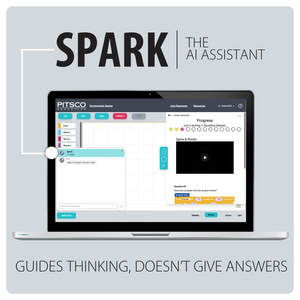
Add Spark the AI Assistant and every student has a guide that asks questions instead of giving answers, right inside the TETRIX Virtual Robotics platform.